Jawaker22.5.1
Publisher Description
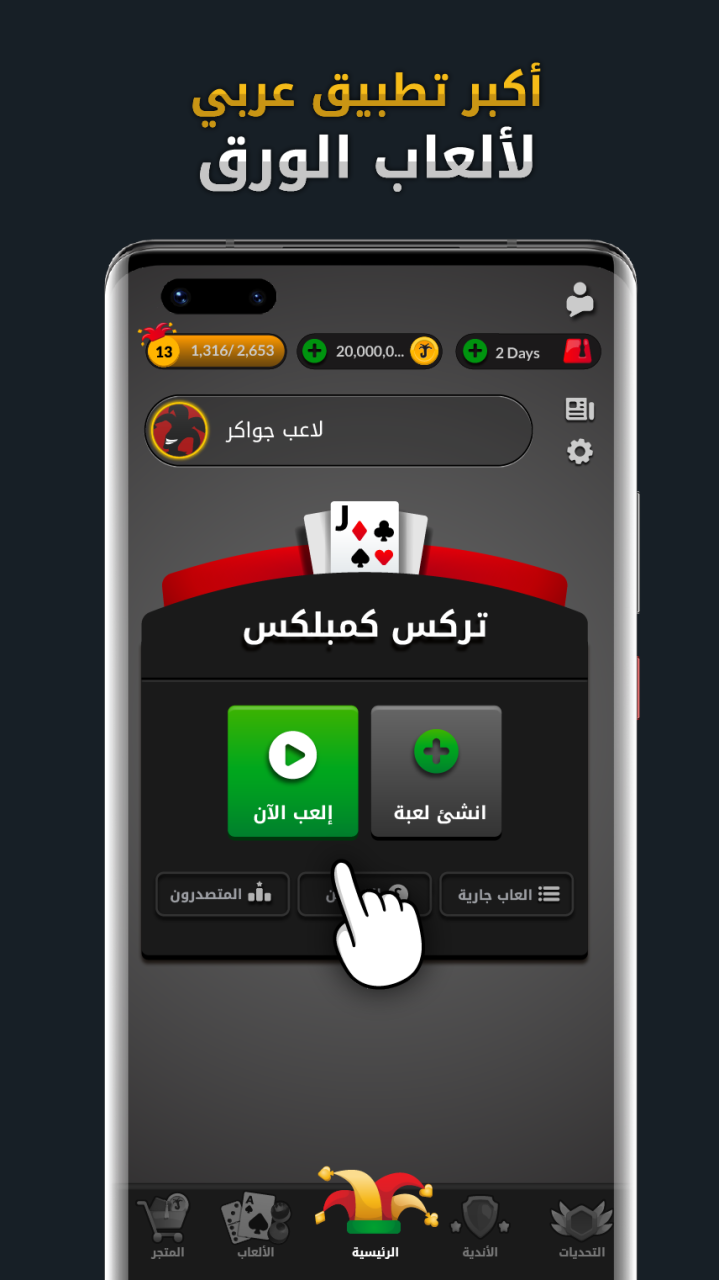
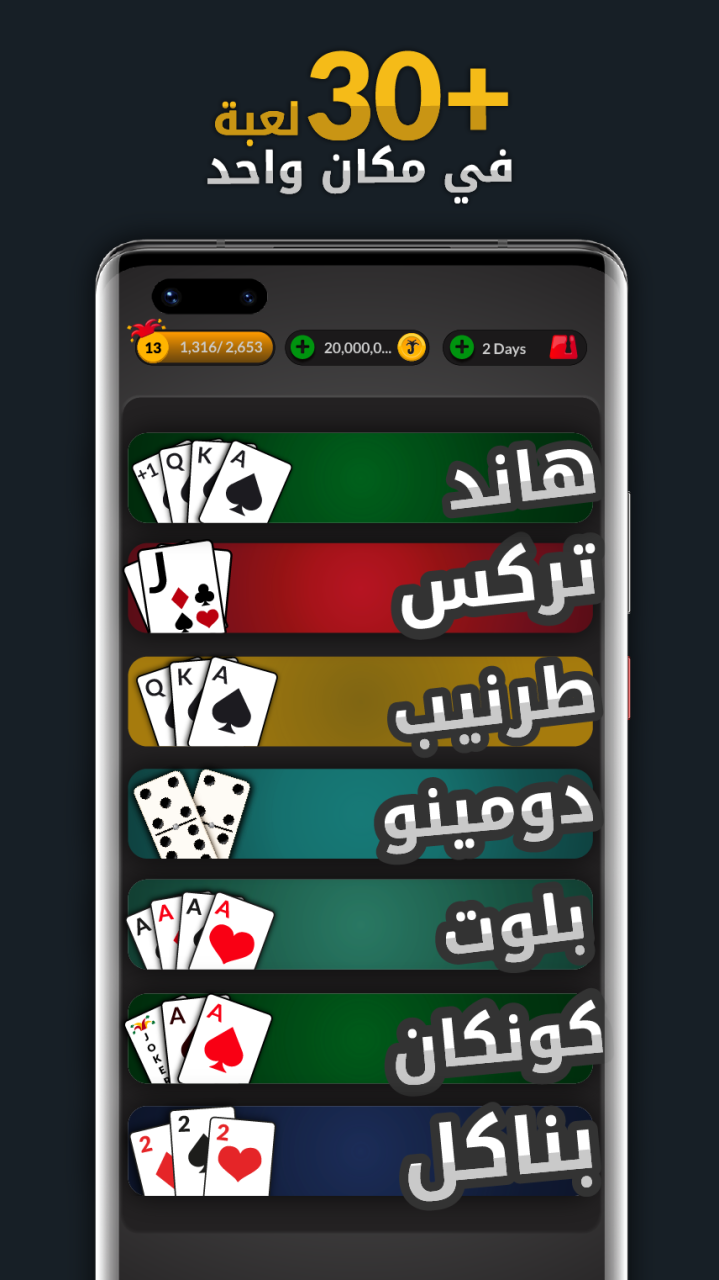
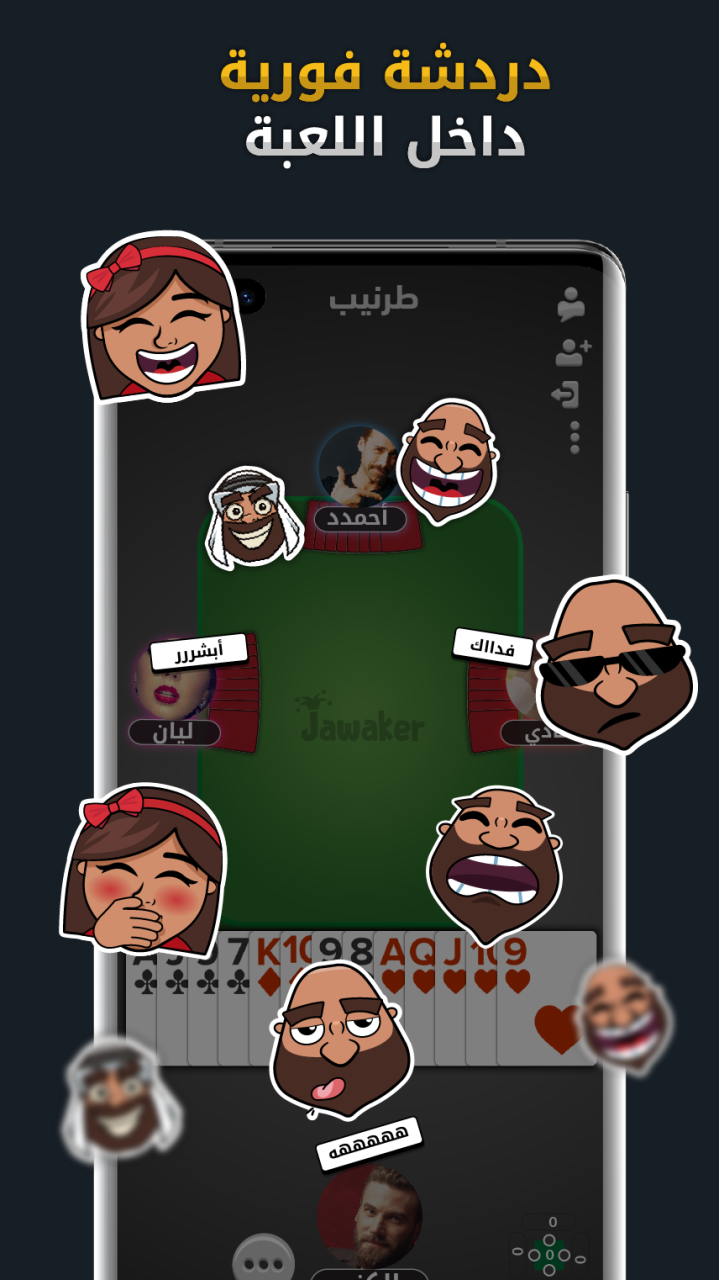
Jawaker hosts Trix, complex, Hand, Balot, Koutbo 4, Koutbo 6, Tarneeb,Bent Al-Sbeet, Tonj, Basra, Dama, Jawaker Deal, Syrian 41, Leekha, 400, Jackaroo, Banakil, and Estimation games.
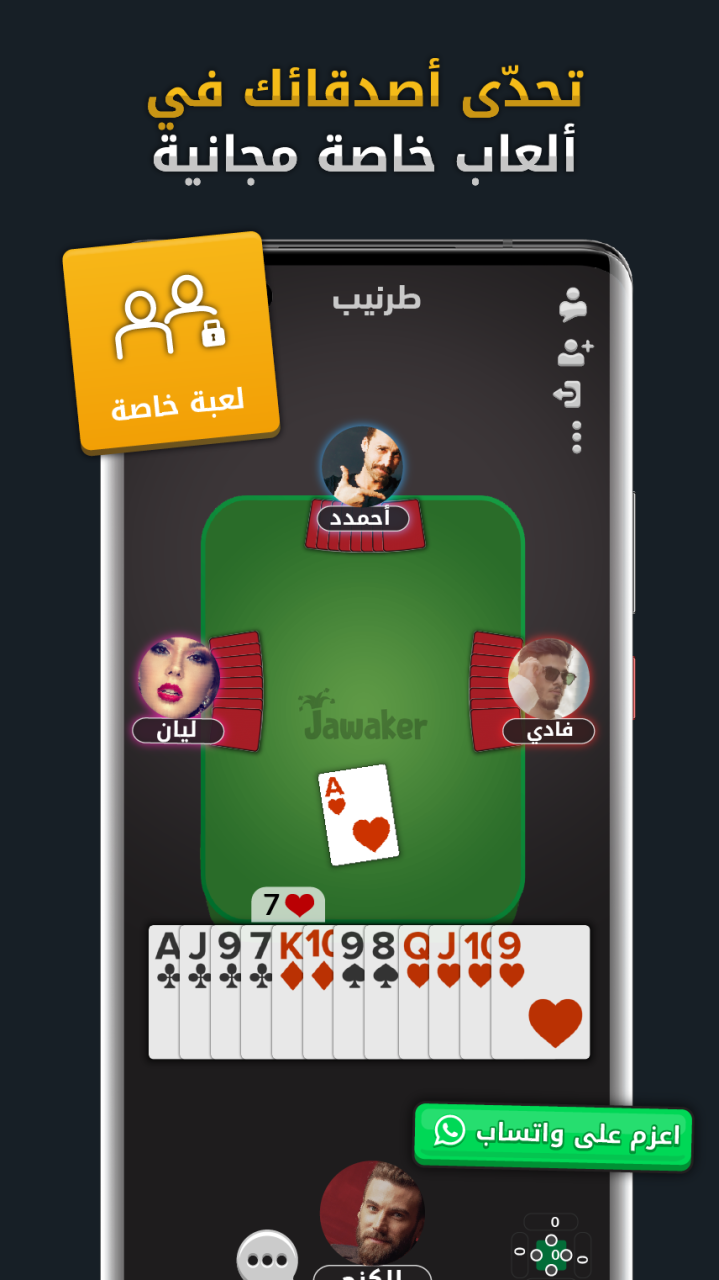
Invite your friends and play online for free, enjoy our private chatting feature and compete against millions of card games enthusiasts from all around the world!
No need to look for four players, or playing cards. Jawaker offers the ultimate entertaining atmosphere to play fun and challenging games
-Jawaker offers Jackaro (Jakaro), Baloot, Tarnib, Syrian 41, Trix, Complex, Partners, Hand (Rummy),Saudi Hand, Hand Partner, Banakel, 400 - Arba3meyeh, Leekha, Koutbo 4, koutbo 6 and Estimation.
- Jawaker is completely free to play!
- Play against real people anytime you want.
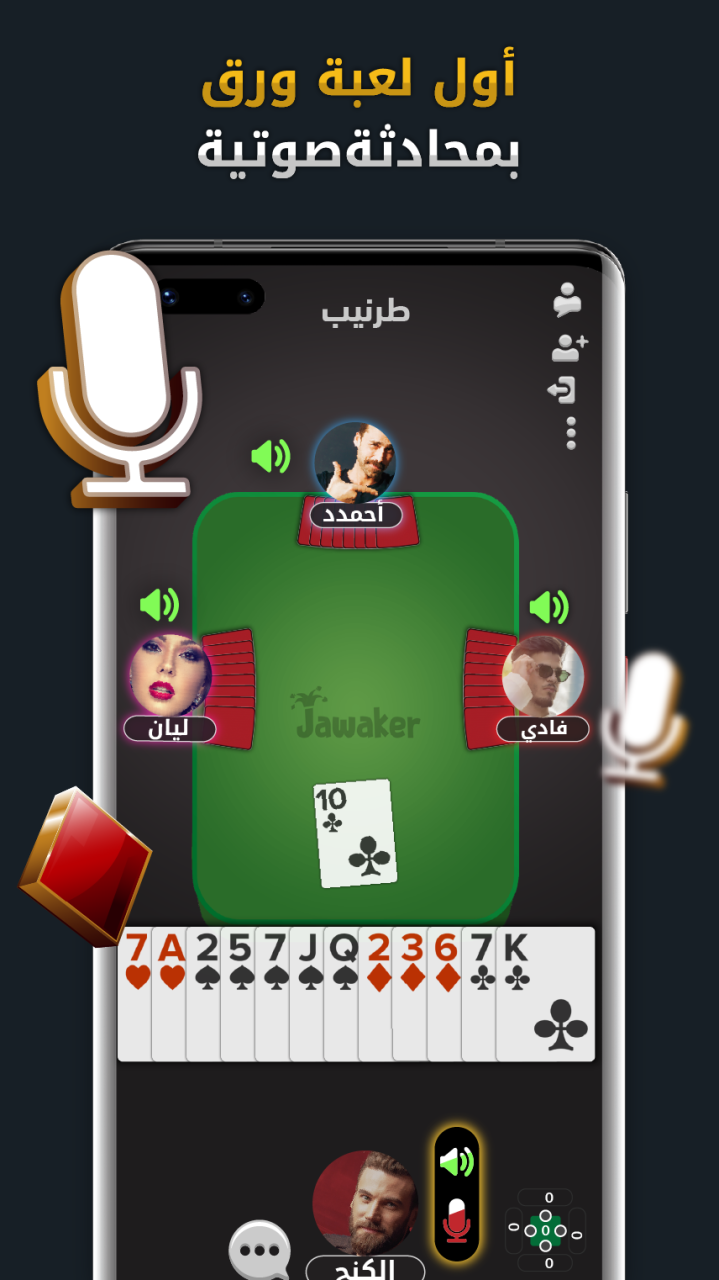
- In-game chat features for ultimate fun!
- Personalized profile picture from your Facebook account.
Already a fan of Jawaker? Follow us on social media for the latest news:
facebook.com/Jawaker
https://www.instagram.com/jawaker/
https://twitter.com/jawaker
Last but not least, a big THANK YOU goes out to everyone who has played on Jawaker!
About Jawaker
The company that develops Jawaker is JAWAKER FZ LLC. The latest version released by its developer is 22.5.1.
To install Jawaker on your Huawei device, just click the green Continue To App button above to start the installation process. The app is listed on our website since 2022-11-11 and was downloaded 32 times. We have already checked if the download link is safe, however for your own protection we recommend that you scan the downloaded app with your antivirus. Your antivirus may detect the Jawaker as malware as malware if the download link to C100800649 is broken.
How to install Jawaker on your Huawei device:
- Click on the Continue To App button on our website. This will redirect you to Huawei Store.
- Once the Jawaker is shown in the Huawei Store listing of your Huawei device, you can start its download and installation. Tap on the Install button located below the search bar and to the right of the app icon.
- A pop-up window with the permissions required by Jawaker will be shown. Click on Accept to continue the process.
- Jawaker will be downloaded onto your device, displaying a progress. Once the download completes, the installation will start and you'll get a notification after the installation is finished.
